

High temperatures in the UAE may lead to smartphone overheating and lasting battery damage.
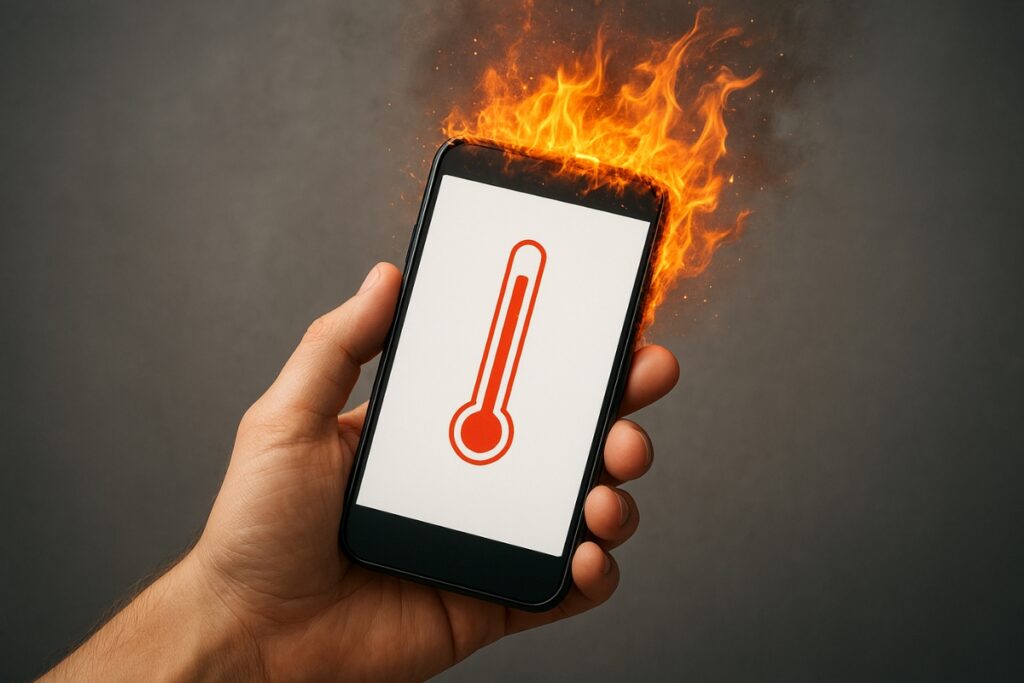
Dubai: Hidden within Apple’s support pages is a temperature guideline that many users may overlook. The company recommends using iPhones in ambient temperatures between 0°C and 35°C — a range similar to those published by Samsung and other major smartphone manufacturers.
Dubai’s current weather conditions are pushing devices close to, or beyond, those limits. Temperatures are hovering around 40°C and are expected to remain at similar levels through the weekend, while overnight lows are staying close to 35°C. In desert areas, ground temperatures can exceed 50°C during the hottest part of the day.
This means smartphones used outdoors in the UAE can operate above their recommended temperature range during peak afternoon hours and remain near the upper limit even overnight. Understanding these conditions can help explain unexpected phone behaviour and performance issues.
What happens when your phone overheats
Your phone is not necessarily failing when it gets too hot — it is activating built-in protections designed to prevent damage. The unusual behaviour you notice is intentional.
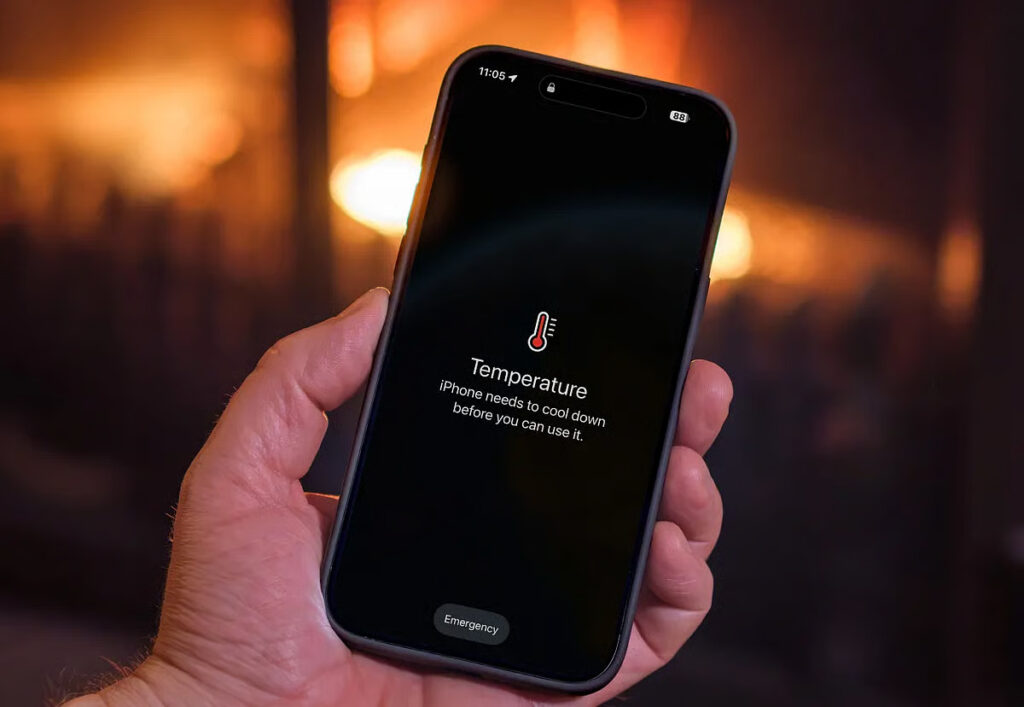
Common signs of overheating include automatic screen dimming, or even a temporary black screen, slower charging or a complete charging pause, disabled camera flash and torch functions, and apps becoming sluggish or unresponsive. The device may also reduce cellular performance by switching the radio into a lower-power mode, which can make your signal appear weaker during hot afternoons.
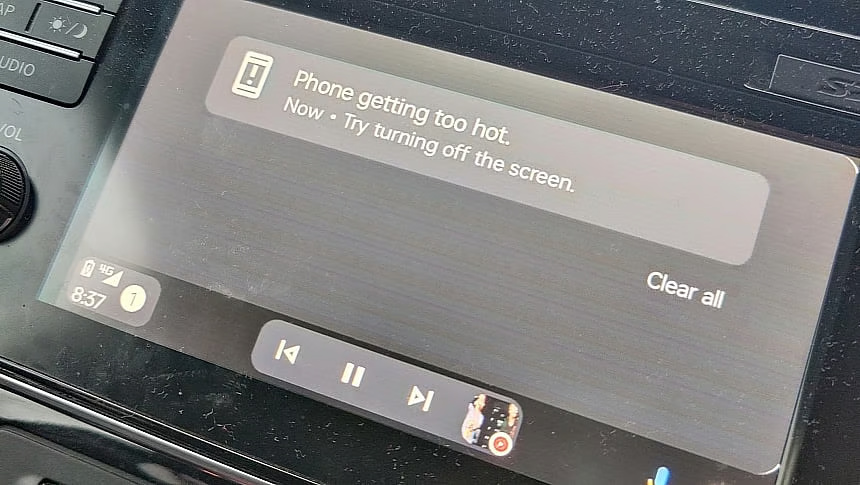
Navigation is one of the most noticeable effects of overheating, especially for drivers. When a phone becomes too hot during a journey, the map display may disappear and be replaced by a cooling warning. Voice guidance continues to operate, and the screen may briefly activate for turn-by-turn directions, meaning drivers are not left without assistance — but the visual map remains unavailable until the device cools down.
These protective measures do not typically cause permanent damage by themselves. The real risk comes from prolonged exposure to high temperatures and the impact it has on internal components, particularly the battery.
The battery is the component you are really protecting
Heat is the biggest factor affecting how quickly a lithium-ion battery loses its capacity. Unlike a temporary shutdown caused by overheating, battery degradation caused by repeated heat exposure is permanent and cannot be reversed.
A phone exposed to extreme heat throughout the summer, such as being left on a hot dashboard, may have noticeably reduced battery capacity by winter — and no software update can restore that lost performance.
Users should also watch for warning signs such as a case that no longer fits properly, a screen lifting around the edges, or a device that wobbles when placed on a flat surface. These can indicate battery swelling, which requires professional servicing rather than further use or testing.
A parked car is far more dangerous than the beach
Outdoor temperatures of 45°C are already challenging for smartphones, but conditions inside a closed vehicle can be much more severe. Car interiors can exceed 60°C, while dashboards exposed directly to sunlight can become even hotter.
Avoid leaving phones on dashboards, in windscreen mounts, or inside glove compartments, which may not provide the protection many assume. If a device must be left in a vehicle, storing it under a seat is a better option — although taking it with you remains the safest choice.
The same warning applies to power banks, which use similar lithium-based battery technology but often have fewer built-in protections. Leaving a power bank inside a parked car for hours in extreme heat can create a real fire hazard rather than just a potential concern.
What to avoid when your phone overheats
The natural reaction when a phone becomes hot is to cool it down as quickly as possible, but some common methods can cause more harm than good.
Do not place the device in a freezer. Sudden temperature changes can damage internal components, turning a temporary overheating issue into permanent damage. The refrigerator carries a similar risk, while ice packs, cold water and directing strong air-conditioning directly onto the phone can create condensation inside the device, potentially leading to water damage.
The safest solution is simple: move the phone away from direct heat, place it in a shaded or cooler indoor area, remove the case and allow it to cool naturally for around 15 minutes.
Practical tips for using your phone outdoors
Removing the case while spending time in direct sunlight can help prevent overheating. While thick protective cases provide strong protection against drops, they can also trap heat and reduce airflow around the device. Dark-coloured cases exposed to direct sunlight can make the problem worse by absorbing more heat.
Lowering screen brightness can also reduce heat buildup. A brighter display consumes more power and generates additional heat, while automatic brightness settings may increase screen intensity to maximum levels under strong sunlight.
Avoid running multiple demanding features at the same time. Activities such as video recording, GPS navigation, mobile hotspot use and maintaining a connection in areas with weak signal strength can place heavy strain on the phone and cause temperatures to rise quickly.
More ways to prevent overheating outdoors
Whenever possible, avoid keeping your phone in a pocket for long periods in extreme heat. Body heat, which is around 37°C, adds to the device’s temperature. Storing it in a shaded bag or cooler location is a better option.
Avoid charging a phone while it is already hot. Charging produces additional heat, and many devices will automatically pause charging when temperatures become too high.
For outdoor photography or video recording, use the camera in shorter sessions and allow the device time to cool between recordings instead of keeping it running continuously.
For people who work outdoors
During the UAE’s midday break period from 15 June to 15 September, outdoor workers are protected from working during the hottest part of the afternoon. Delivery riders, construction workers and others who rely on their phones for work are among those most likely to experience overheating-related shutdowns when temperatures peak.
Simple precautions can make a bigger difference than any so-called cooling app. Using a light-coloured phone pouch, keeping the device in the shade rather than leaving it on a hot bike seat, and storing spare batteries indoors instead of inside a vehicle can all help reduce heat exposure. Cooling apps cannot actually lower a phone’s temperature — at best, they can only close background processes, something users can do themselves.
What to do after a phone overheats and shuts down
Move the device away from direct sunlight, remove the case, avoid using the screen and allow it time to cool. In most cases, phones return to normal operation within around 20 minutes.
If the phone still does not switch on after it has completely cooled, becomes hot while idle, or shows signs of physical swelling or distortion, stop charging it and seek professional assistance. Authorised service centres are available across the UAE, and replacing a damaged battery is typically far less costly than replacing the entire device.
When a phone dims, slows down or temporarily disables features, it is responding to heat protection measures. In the UAE’s intense summer conditions, these safeguards become more important as devices face temperatures beyond their usual operating range.