

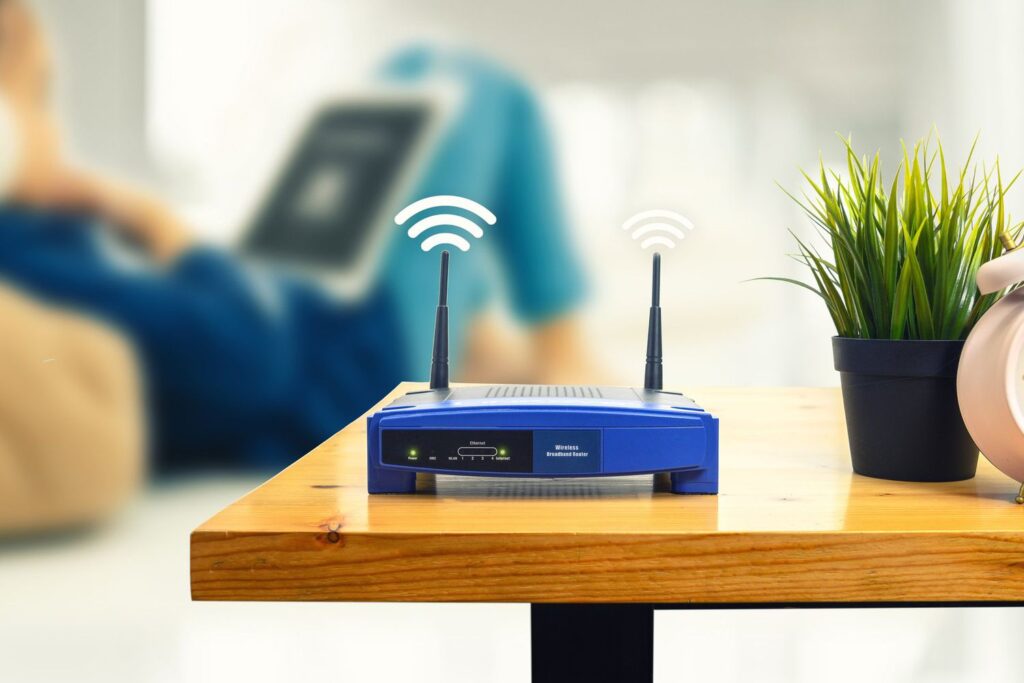
Routers offer a centralised control point that manages the entire home network.
Parents often focus on what happens on their child’s phone—such as the apps they use, the people they interact with, and how much time they spend online.
However, the main control point in most homes is not the device itself but the Wi-Fi router operating in the background.
As Georgey Bijumon, Executive Director at Seeken International FZE, explains: “An often-overlooked layer of protection is the family’s Wi-Fi router.”
Router-level parental controls extend across all devices connected to the home network, enabling parents to block adult content, set internet-free schedules, and detect devices that attempt to bypass household rules. “Configuring these settings is one of the most effective ways to create a safer online environment,” he added.
Why routers matter more than most parents realise
Kevin Sebastian, Creative Director at Audire Media and a technology columnist, says many parents mistakenly believe that online safety depends only on device-level controls.
He explains that routers offer a centralised control layer across the entire home network, instead of relying on parental settings installed on individual devices. This becomes particularly important in households where children use multiple devices, or where gadgets such as gaming consoles and smart TVs do not support standard parental control apps.
Sebastian highlights the key advantage clearly: “Routers add another layer of protection because they manage every connected device rather than relying on settings on individual phones or tablets.”
He adds that this makes router-based controls especially practical in real households: “This is particularly useful because it also covers devices like gaming consoles, smart TVs, tablets, and laptops.”
Beyond broader coverage, he notes that modern routers are no longer difficult to manage, with many now offering companion apps that let parents control settings through simplified interfaces instead of complex technical configurations.
What router parental controls actually allow parents to do
According to Sebastian, router-level systems typically enable parents to:
- Pause internet access on specific devices
- Set bedtime and daily usage schedules
- Block specific websites or categories of content
- Restrict gaming or streaming during homework hours
- View connected devices and manage access
He notes that this shifts parental control from reactive monitoring to proactive structure, where rules are set in advance and applied consistently. “Parents can pause internet access for specific devices, create bedtime schedules, block specific websites, and restrict gaming or streaming during homework.”
This automation reduces the need for constant supervision. Instead, families can establish predictable digital routines that remain in place even when parents are not actively monitoring usage.
Sebastian also highlights the increasing accessibility of these tools:
“Many modern mesh Wi-Fi systems include parental controls in their companion apps, making them much easier to manage than they were a few years ago.”
For example, he recommends the ASUS ROG Rapture GT-AX11000, highlighting its built-in parental controls that help families manage children’s internet usage without requiring additional software.
ASUS router (via ASUS Router app)
Using the ASUS Router app, parents can:
- Check and install firmware updates easily
- Create separate child profiles based on age
- Add all of a child’s devices under one profile
- Manage multiple devices in one place
- Set online and offline schedules, including bedtime controls
- Apply preset age-based screen time rules
- Block inappropriate or adult content automatically
- Monitor internet usage and frequently used apps
TP-Link router (via TP-Link Tether app)
For TP-Link routers, the process begins by downloading the TP-Link Tether app and connecting the router.
Once set up, parents can:
- Create a child profile and assign devices to it
- Block websites or entire content categories (e.g. adult content, gaming)
- Set internet schedules with defined start and end times
- Apply bedtime restrictions to enforce offline hours
- Set daily usage limits (premium features may apply)
- Monitor overall usage across all connected devices
What routers solve that phones cannot
While many parents start with tools like Apple Screen Time or Google Family Link, router-level controls address a key blind spot: unmanaged devices.
These include:
- Gaming consoles that don’t support parental control apps
- Smart TVs used in shared living spaces
- Laptops used for both schoolwork and entertainment
- Shared tablets used by multiple children
- Guest devices temporarily connecting to home Wi-Fi
This makes the router a foundational layer of digital safety, serving as the baseline control point on which all other parental controls can be built.